 Tara Connolly
Complete Guide to Using Google My Business in Your Solar Business
With a Google My Business account, you can easily connect with customers across Google Search and Maps. The best part? Google My Business is free and...



Google My Business (GMB) is a free Google service that allows businesses to appear right when people are searching for your business or businesses like yours on Google Search and Maps. If you own a solar dealership and you don't currently have a GMB listing - set one up today, it should be a key part of your solar digital marketing strategy. Follow the steps in this guide and you'll be done in no time.
Your GMB listing it will contain:
A GMB listing will help people find you when they are searching for solar dealers online. For a greater online presence, ensure you also have social accounts on all the major social media platforms (Facebook, Instagram, Twitter, YouTube, LinkedIn).
Before you can create your GMB listing you’ll need a Google account. If you don't have one already, it's easy to set up.
Start the process of setting up your listing here.
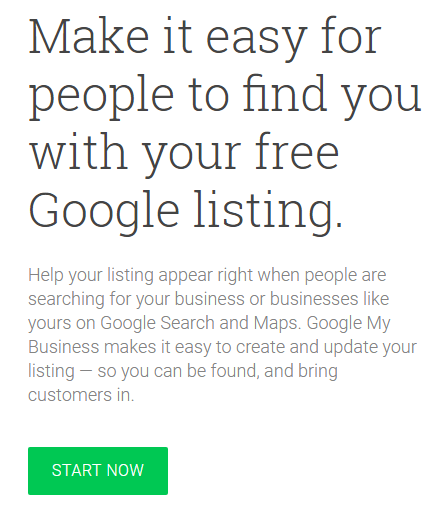
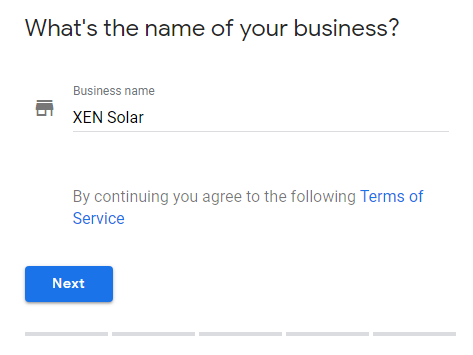
Simply follow the prompts and enter information about your dealership.
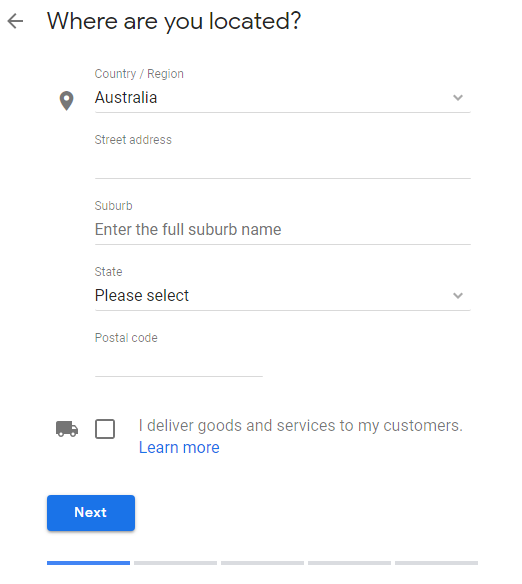
Enter your office address:
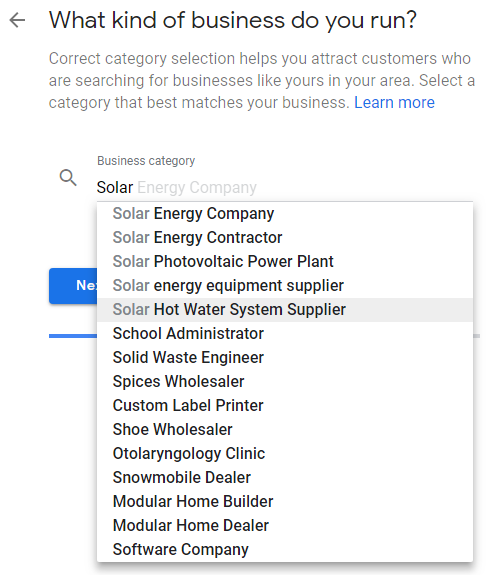
Choosing the correct category for your dealership helps searchers find you. Make sure you choose the category that best describes your services. Here are some of the 'solar' categories that you might choose:
5. Contact Details
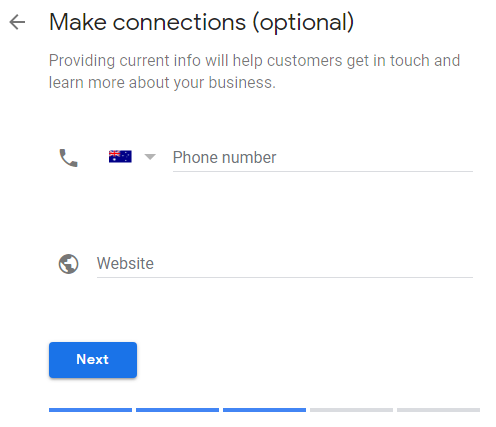
We recommend including your office number and website address. This gives searchers more opportunity to learn about you and contact you easily.
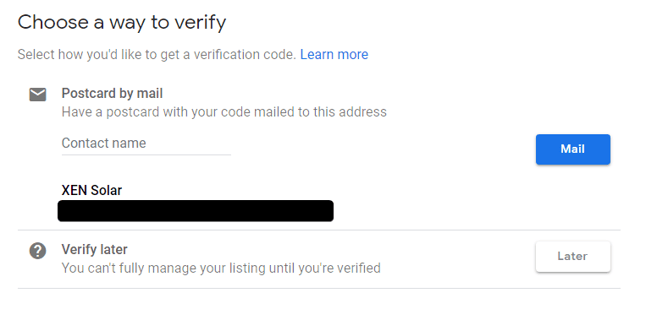
To verify your business listing, supply a contact name (you or someone at your office) and Google will mail a postcard to the address you entered earlier. The Google postcard will contain a code which you’ll use to verify your listing once it arrives (usually arrived within 6 days).
Your GMB listing set up is complete but there's a few more things you should do while you're waiting for your verification postcard. Make sure you:
Google will walk you through these steps.
Once you're verified you'll start showing up in Google Search and Google Maps when a potential customer is looking for businesses like yours in their area.
Stay tuned for more tips on optimising your GMB listing to ensure you get found online.

With a Google My Business account, you can easily connect with customers across Google Search and Maps. The best part? Google My Business is free and...

Considering using Google Ads for your solar business? Learn how an effective strategy generates leads that convert into customers.
Here are two recent changes you should know about in Google Ads, how it affects your business and what changes you need to make.